How to Build an Agency Workflow
A good agency is made of good people, but also of good repeats. If every project is reinvented from scratch, the team keeps re-making the same decisions. A workflow makes those repeats visible and learnable.
On this page
- 01What is an agency workflow?
- 02Core stages from sale to delivery
- 03Lead vs. client
- 04Brief
- 05Proposal
- 06Contract
- 07Project start
- 08Production and internal review
- 09Client review
- 10Revision
- 11Delivery
- 12Archive and repeat business
- 13Assigning an owner at each stage
- 14Building process templates
- 15Where automation fits in the workflow
- 16A sample agency workflow with Cowwwork
An agency workflow is the path a job follows from first contact to delivery and archive. Writing that path down can sound too corporate, but the goal is not bureaucracy; it is making sure the team runs the same solid foundation on every project. In this article we build a practical agency workflow, stage by stage, from sale to delivery.
What is an agency workflow?
A workflow is the defined stages a job passes through and the rules for moving between them. It sets when one stage ends and the next begins. A good workflow removes the "what do we do now?" question, because the answer is written into the process itself.
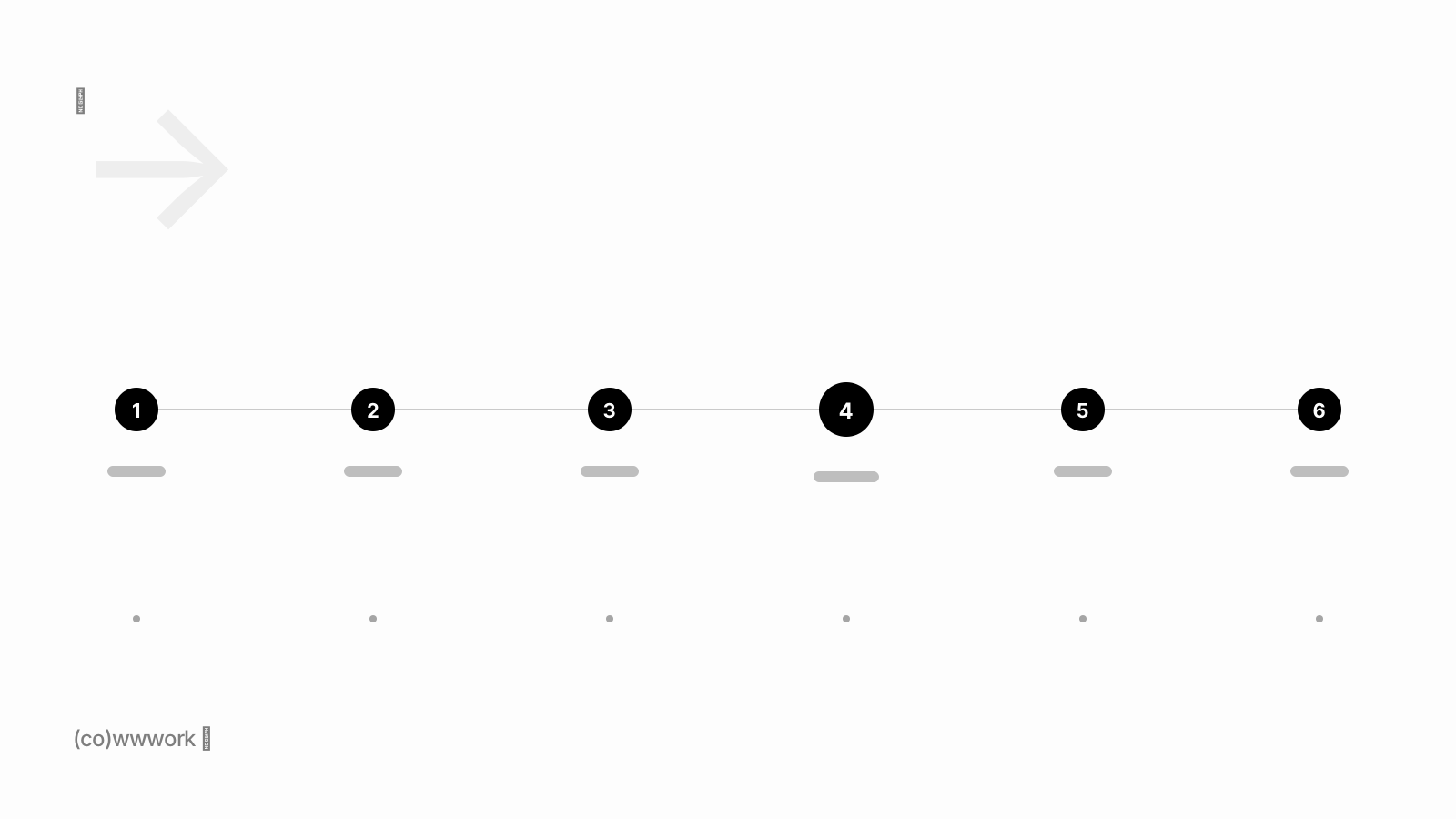
Core stages from sale to delivery
Most agency workflows carry a similar skeleton regardless of service type. The stages below form that skeleton; in your own agency you can merge or split some of them.
Lead vs. client
At the very start of the workflow there is a distinction: not everyone interested is yet a client. A lead is potential work; a client is agreed work. Mixing the two distorts the sales pipeline and the workload. In the lead stage the goal is to understand whether the work is a fit and to prepare a proposal.
Brief
As the deal nears or right after it, the brief comes in. The brief is production’s real input and the stage that most determines the quality of the workflow. A structured way to collect the brief lets the team start from real information rather than assumptions.
Proposal
The proposal clarifies the scope and the commercial frame. A good proposal is not just a price; it also states what is included, what is not, and the revision allowance. Making the proposal’s status traceable (sent, approved, changes requested) turns proposal tracking from a guessing game into a fact.
Contract
The approved proposal becomes a contract. The contract formalizes the frame both sides agreed on and is the ground you return to in a dispute. Keeping the signed contract related to the approved proposal and in an accessible place moves contract management out of the email archive.
Project start
The project start is where the paper agreement becomes real work. Roles are clarified, required files and access are gathered, and the first milestone is set. A good start directly affects the pace of every later stage.
Production and internal review
Production is where the work is actually made — but it is not enough on its own. An internal review step before the work reaches the client catches most small errors. That internal check raises the quality of what goes to the client and reduces unnecessary revision rounds.
Client review
Work that passes internal review is presented to the client. What matters at this stage is that feedback is collected next to the relevant delivery instead of scattering. Framing the review clearly makes the next stage, revision, manageable.
Revision
Revision is the stage most likely to spin out of control. Without defined rounds, a single decision-maker and context-bound comments, revision can stretch forever. Disciplining this stage with a file and feedback flow is the most effective way to protect the deadline.
Delivery
Delivery is where the work is formally complete. A clear delivery step — sharing final files and recording approval — keeps the project from hanging in the "is it done or not?" limbo. Delivery is also a trigger for payment and closeout.
Archive and repeat business
The relationship does not end when the project does. A well-archived project becomes a future reference and the ground for repeat business. Returning to a happy client a few months later is far cheaper than finding a new lead. Treating archive as part of the workflow makes that opportunity systematic.
Assigning an owner at each stage
A workflow does not end with defining stages; you also assign an owner to each. If "who is responsible at this stage?" has no clear answer, work falls into the gaps between stages. The table below is a simple example of a typical ownership split.
| Stage | Primary owner | Output |
|---|---|---|
| Lead | Sales / founder | Fit assessment |
| Brief | Account management | Completed brief |
| Proposal | Account management | Approved scope |
| Production | Production team | Internally reviewed output |
| Revision | Project lead | Approved delivery |
| Delivery | Project lead | Final files + approval |
Building process templates
If you do the same job over and over, templatize it. Recurring brief questions, standard proposal line items, frequently used contract language — writing them from scratch each time is both wasted effort and a source of errors. Templates make the team’s best version the default.
Where automation fits in the workflow
Automation is not about robotizing everything; it is about taking repetitive, low-value steps off people’s hands. A few well-automated points free the team for the actual creative work.
- Reminders: automatic nudges for pending approvals and upcoming deliveries.
- Status visibility: letting the process itself answer the client’s "where is the project?"
- Start from a template: producing a new brief, proposal or contract from a ready template.
- Document generation: creating a contract or PDF from the approved scope.
A sample agency workflow with Cowwwork
The common problem with the stages above is that they scatter across different tools: the brief in a form, the proposal in a file, revisions in a chat app. Cowwwork brings these stages together around a single client workspace — briefs, proposals, contracts, file requests and delivery approvals live in the same client context, so the client sees which stage they are in and the team does not rebuild the same structure for every project. See the workspace and which plan fits your team on the pricing section.